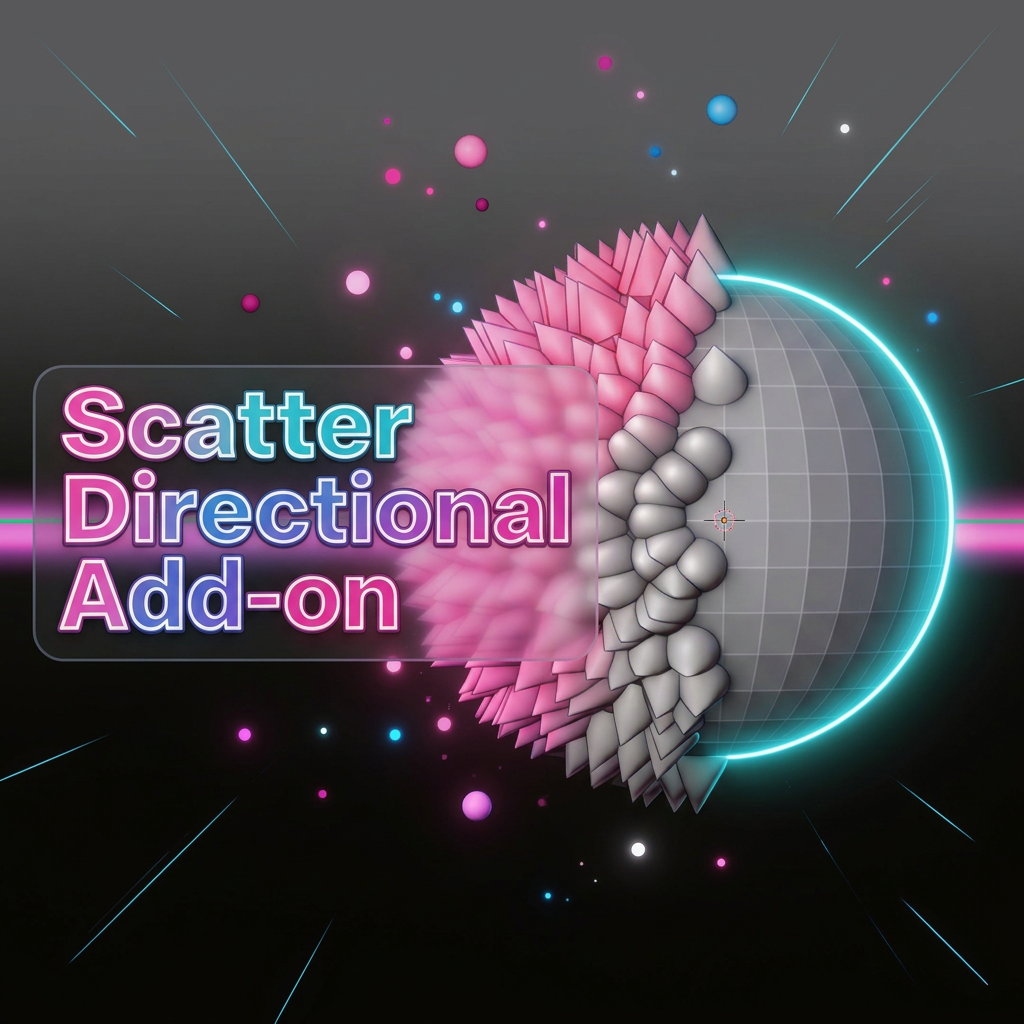
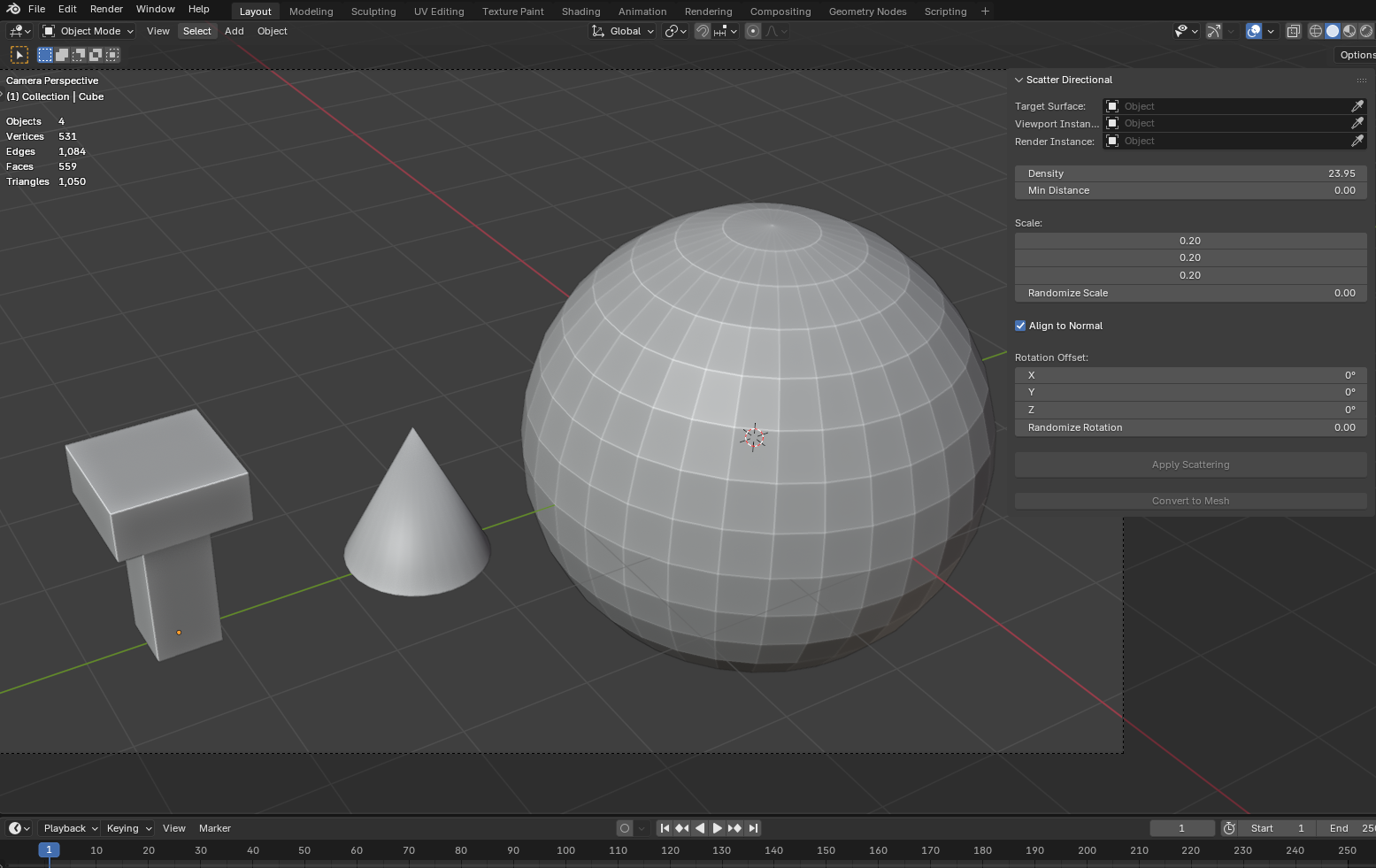
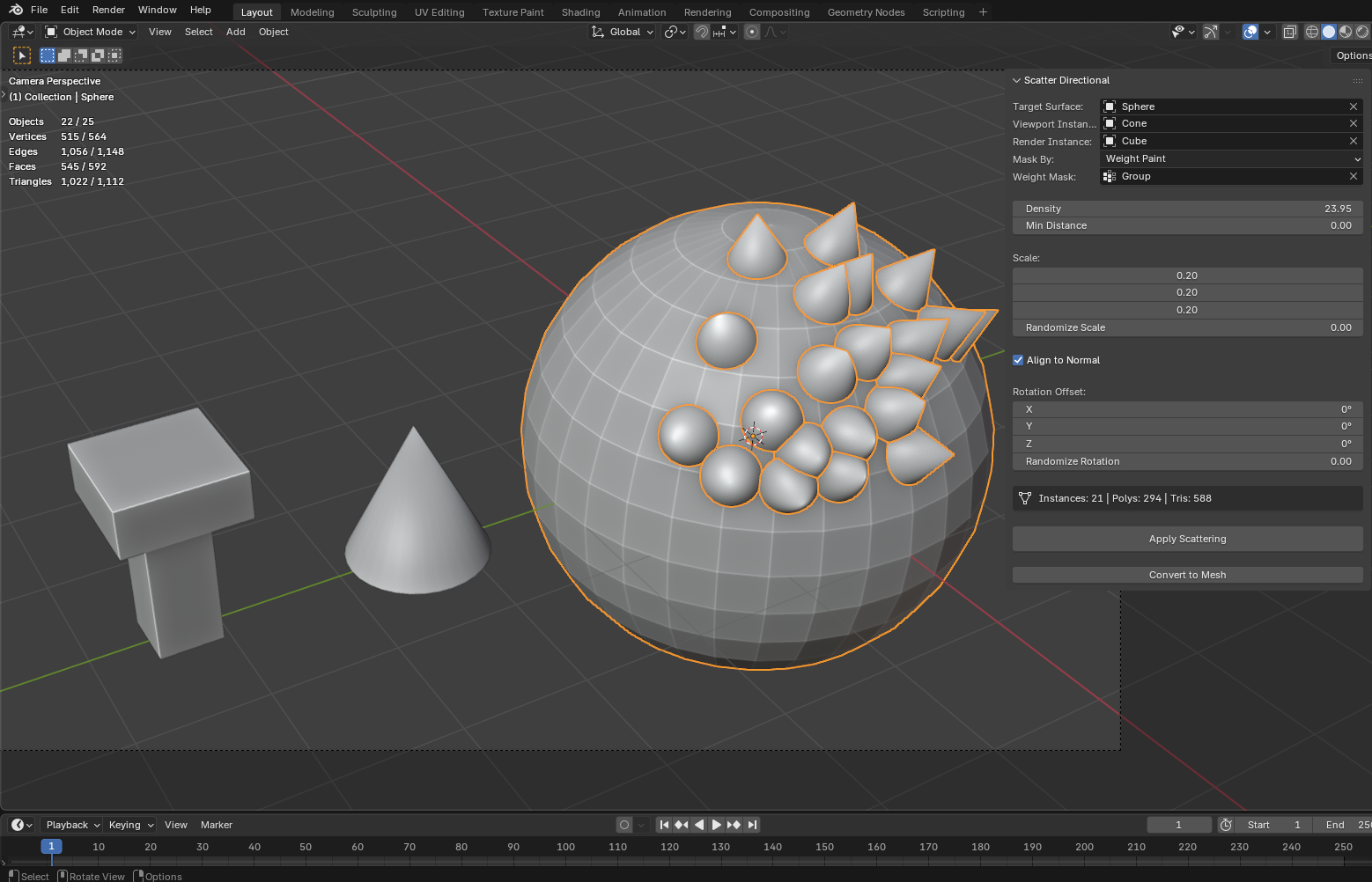
Scatter Directional is an addon designed to scatter objects along the surface normals of any mesh. Easily instance objects using weight painting masks, align them to normals, adjust density, randomize rotation, and uniformly scale your instances without the hassle of setting up complex geometry node trees. Once you get the perfect scatter, you can simply apply the scatter and convert it directly to a final realized mesh.
Scatter Directional
$Free
Technical Specifications
Documentation Manual
Target & Instancing
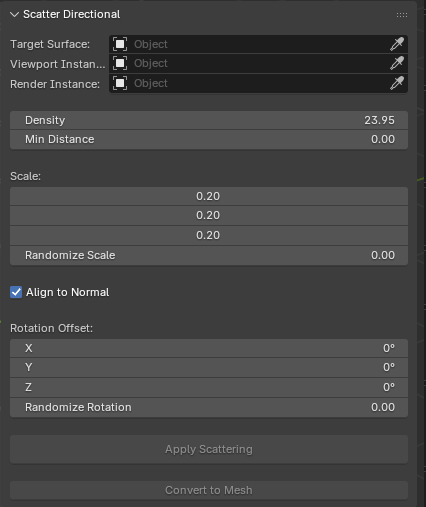
SELECTIONQuickly assign your Target Surface (where objects will spawn), and select your Viewport and Render Instances. You can completely isolate where instances grow by using a Weight Mask driven by your active Vertex Groups!
warning It only works if there are objects with Cloth or collisions
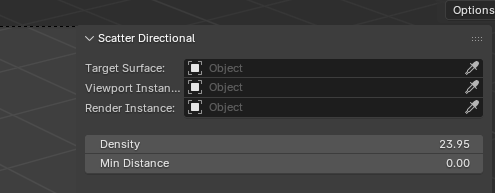
Density & Scale
DISTRIBUTIONTake control of how packed your instances are: • Faces / Wireframe: Toggles the solid fill or wireframe mesh of the visualization on or off. • Opacity: Controls how transparent the colored fill is. • Always on Top (X-Ray): Ensures you always see the collision areas above and through other solid objects.
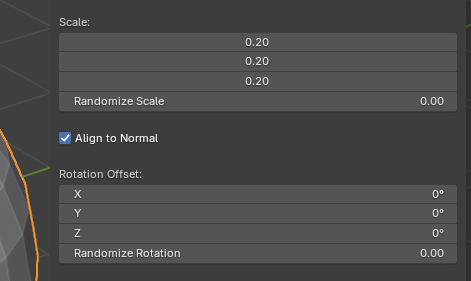
Alignment & Rotation
TRANSFORMSAlign to Normal instantly snaps instances outward along the face normals of your surface mesh. Ideal for hairs, spikes, scales, or trees on a terrain. Introduce custom Rotation Offsets per axis to finely orient your instances, and use Randomize Rotation to simulate varied chaos!
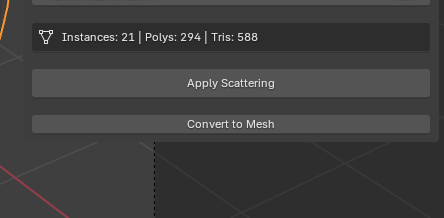
Apply & Convert to Mesh
OUTPUTKeep track of your scene's weight directly via the real-time stat tracker: Instances, Polygons, and Triangles. When you are content with your scatter, hit Apply Scattering to finalize settings or click Convert to Mesh to instantly realize all instances into modifiable geometry!
More Addons
Discover other high-fidelity assets for your pipeline
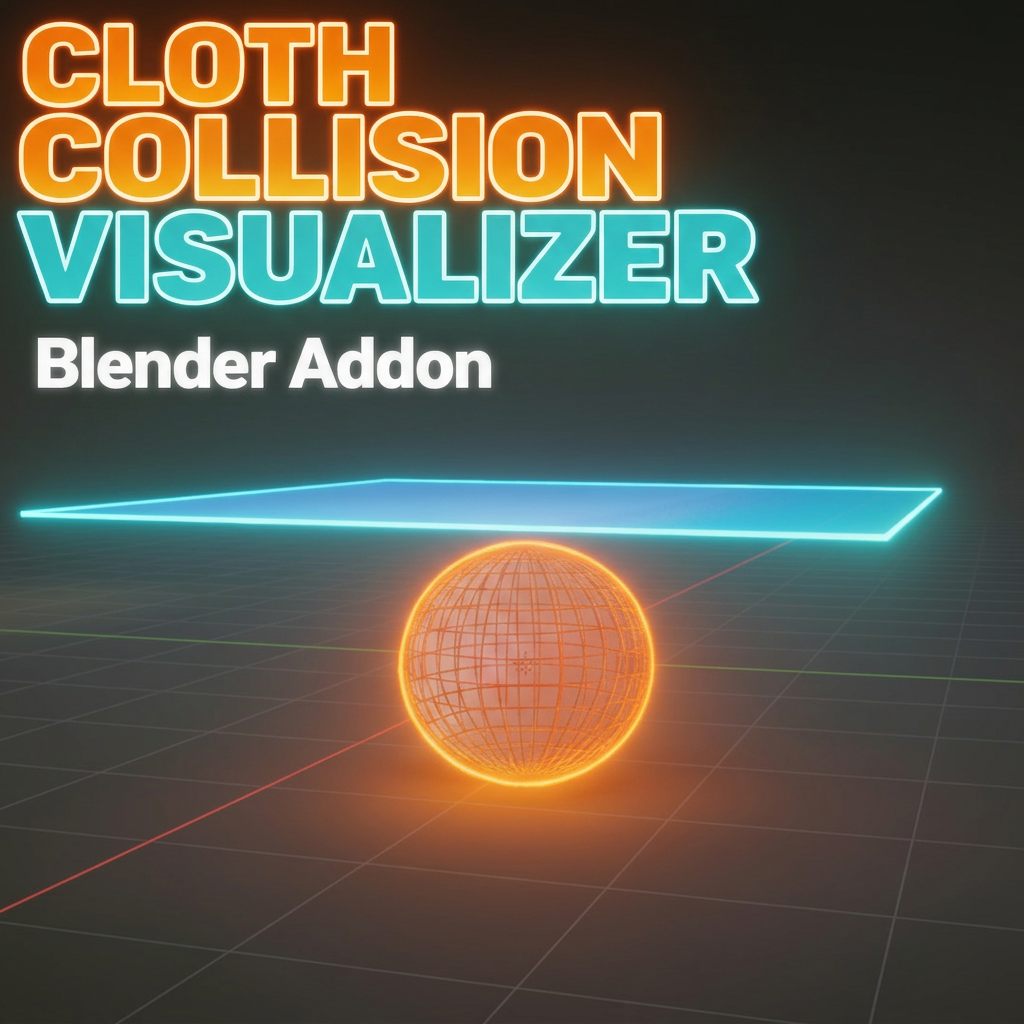
Cloth Collision Visualizer
$2.00
Physically visualize invisible cloth collision distances in real-time within the Blender 3D Viewport. Stop guessing — see the exact collision zone before running your simulation.