In Blender physics simulations, one of the most common problems is meshes passing through each other (clipping) or sudden "explosions" in cloth simulations because objects are too close.
Cloth Collision Visualizer is an addon designed to solve this problem by allowing you to physically see the invisible collision distances directly in real-time within the 3D Viewport.
Instead of guessing what value to put in the physics properties, this addon draws a colored mesh "shell" around your objects. This shows you exactly where the collision zone begins and ends before you run the simulation.
Cloth Collision Visualizer
$2.00
Technical Specifications
Documentation Manual
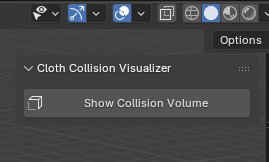
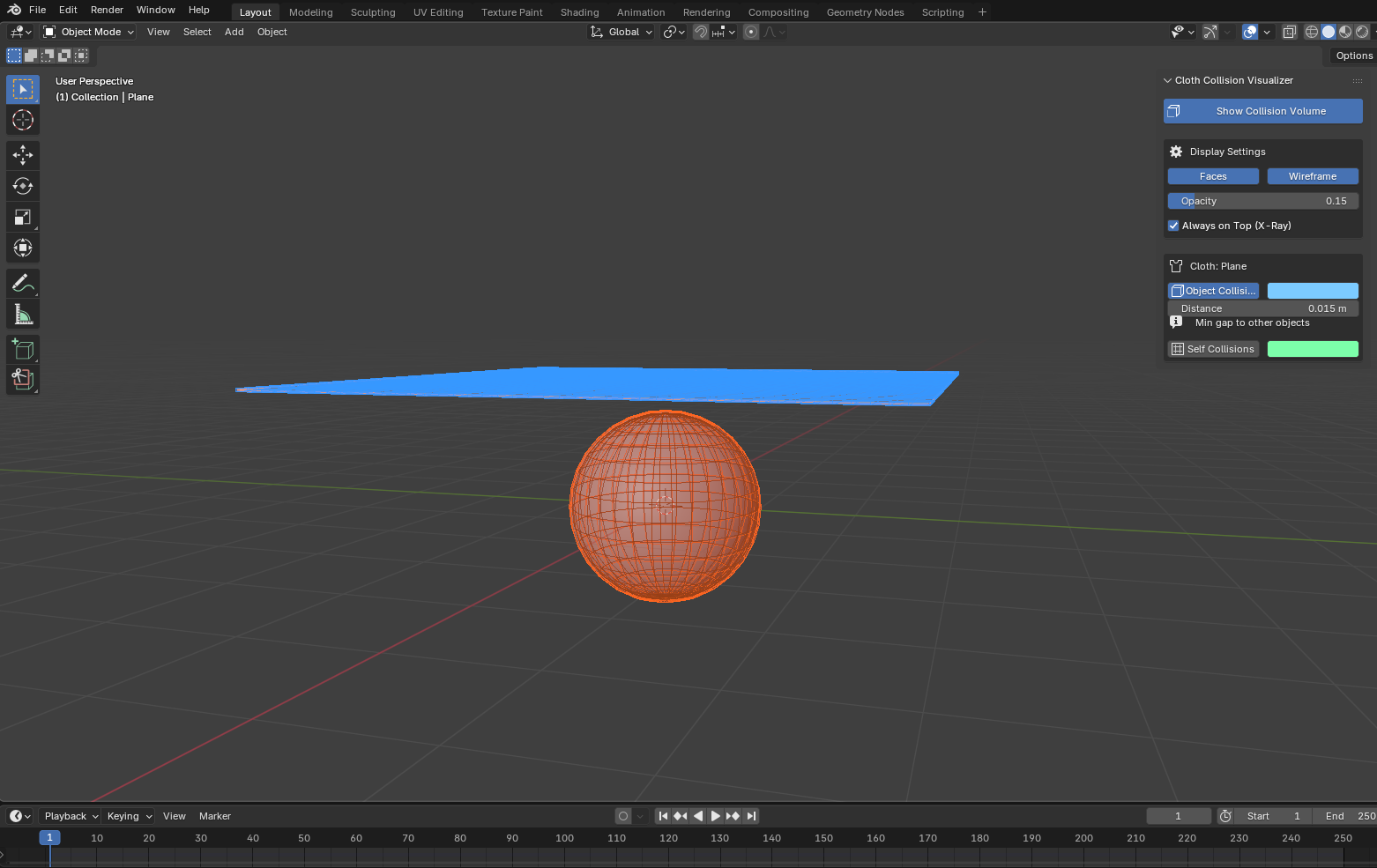
Show Collision Volume
CLOTHThis is the master switch. When enabled, the addon will scan any active mesh that has a Cloth or Collision (passive) modifier and draw their invisible volumetric barriers.
Shortcut: You can toggle the visualization on/off without opening the panel by pressing Alt+V in the 3D Viewport.
Display Settings
OBJECT COLLISIONSThese options do not affect the physics of the animation; they only control how the guide is drawn in your viewport: • Faces / Wireframe: Toggles the solid fill or wireframe mesh of the visualization on or off. • Opacity: Controls how transparent the colored fill is. • Always on Top (X-Ray): Ensures you always see the collision areas above and through other solid objects.
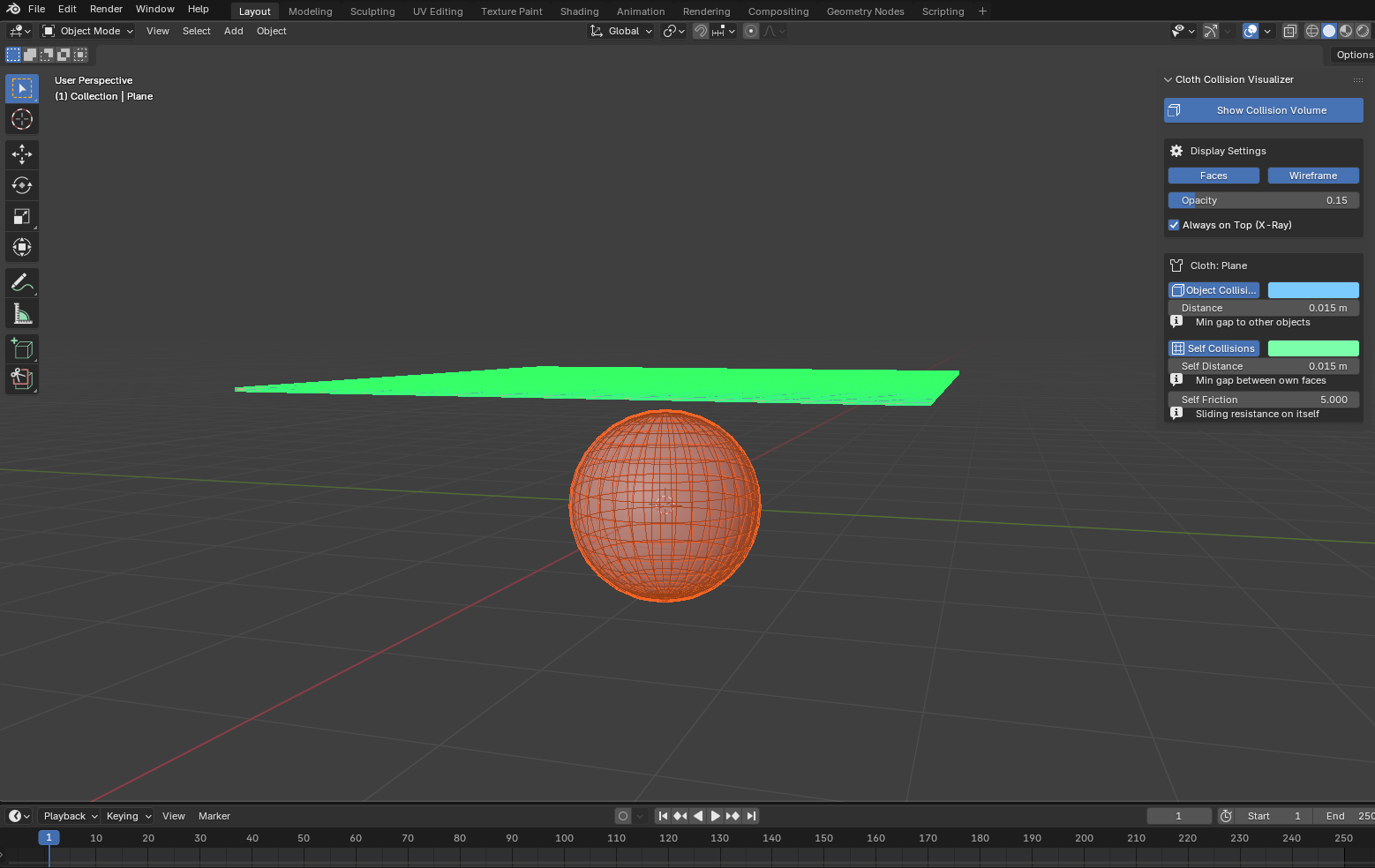
Self Collisions (Green Color)
SELF COLLISIONSRepresents your Self Distance. It is the internal boundary so the cloth folds don't intersect with themselves. You can also see Self Friction here directly, which dictates how much the cloth slows down when it rubs against itself.
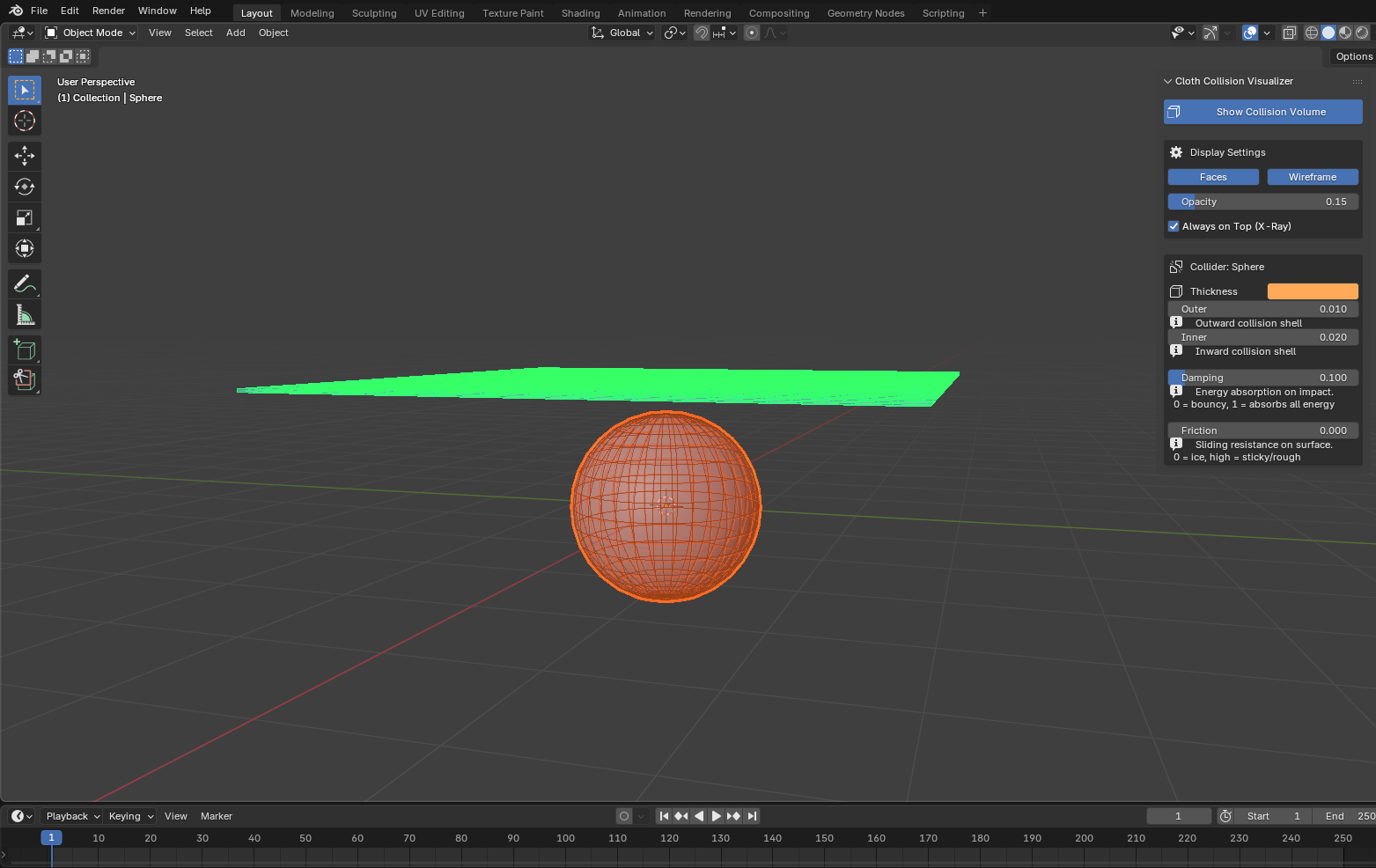
Passive Obstacles
COLLISION MODIFIERIf you select a static object that the cloth is going to hit (e.g., a character). Outer: Creates a force field outward from the object. Inner: Creates a protective field pointing inside the object. Ideal for containment meshes.
More Addons
Discover other high-fidelity assets for your pipeline
Scatter Directional
$Free
Scatter objects along surface normals with weight paint masking, density control, randomized rotation and scale, and real-time instance stats. Convert to real mesh in one click.